Deploying FIDO2 Hardware Security Keys: YubiKey Setup and Advanced Protection for Investigative Newsrooms
How to deploy phishing-resistant FIDO2/WebAuthn hardware tokens across investigative newsrooms: neutralizing Evilginx reverse-proxy credential theft, managing Passkeys, and enrolling in Advanced Protection.
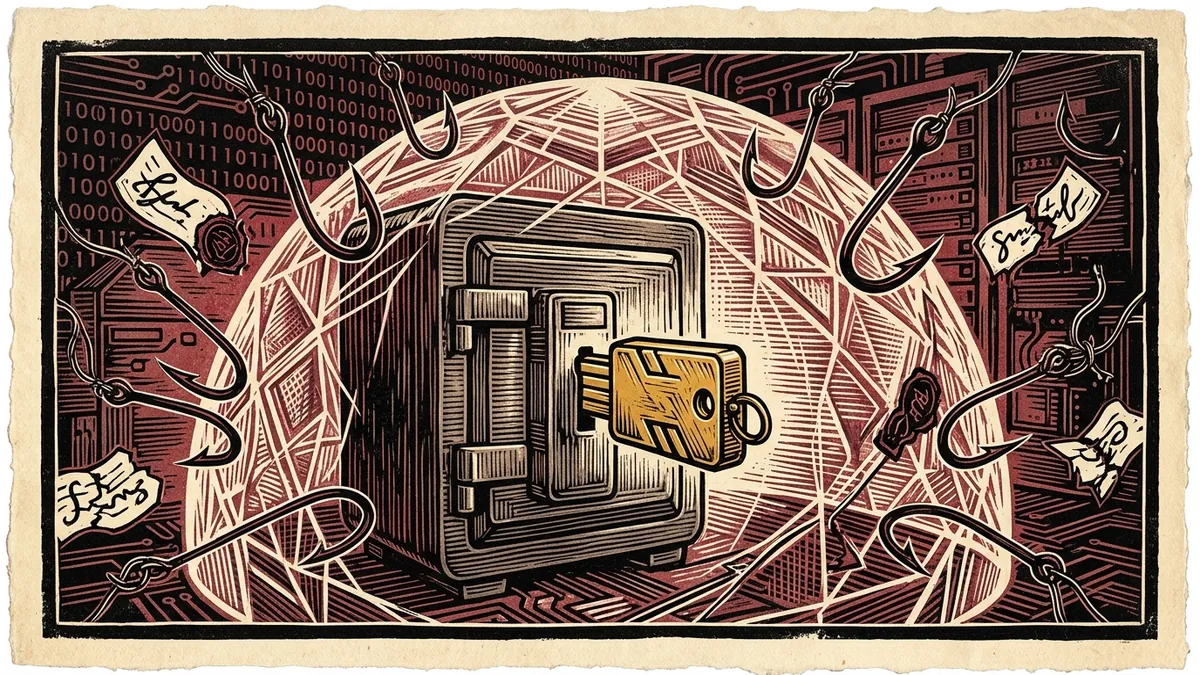
The overwhelming majority of digital security compromises targeting investigative journalists, human rights organizations, and newsrooms do not stem from sophisticated military zero-day malware. They succeed because of adversarial phishing.
Historically, newsrooms believed that two-factor authentication (2FA) solved this vulnerability. Journalists were instructed to configure six-digit SMS codes or time-based one-time password (TOTP) apps (Google Authenticator, Authy).
Today, that defensive model is completely obsolete.
State-sponsored advanced persistent threat (APT) groups routinely deploy real-time reverse-proxy phishing kits (such as Evilginx 3 and Modlishka). These frameworks silently proxy a target’s login session between the user and the real corporate authentication portal, stealing both the password and the temporary six-digit 2FA code in real time, along with the authenticated session cookies.
The only mathematically proven defense against modern reverse-proxy phishing is the FIDO2 / WebAuthn hardware security key standard (most commonly embodied by Yubico’s YubiKey).
This field manual provides an exhaustive operational deployment guide for configuring FIDO2 hardware tokens, understanding cryptographic origin binding, enrolling in Google and Apple Advanced Protection programs, and eliminating credential theft across investigative teams.
1. Why 2FA Apps & SMS Fail: The Reverse-Proxy Vulnerability
To understand why hardware security keys are mandatory, one must examine how modern phishing attacks bypass standard two-factor authentication:
                            EVILGINX REVERSE-PROXY PHISHING ATTACK
                                              │
    [JOURNALIST] ──────────► [ATTACKER REVERSE PROXY] ──────────► [LEGITIMATE GOOGLE/PROTON]
    (Enters Password & OTP)   (Clones Real Login Portal)           (Validates Credentials)
                                              │                                   │
                                              ▼                                   ▼
                                 [SESSION COOKIE HIJACKED] ◄────── [ISSUES SESSION COOKIE]
- The journalist receives a sophisticated spear-phishing email containing an urgent security alert with a login link pointing to
accounts-google-security.com. - The user enters their username, password, and the 6-digit code from their authenticator app.
- The attacker’s proxy server simultaneously submits these credentials to Google’s real server in real time.
- Google accepts the credentials and issues an authenticated session cookie.
- The attacker intercepts the session cookie, drops it into their browser, and gains full access to the journalist’s inbox without ever needing to bypass two-factor authentication again.
2. The FIDO2 / WebAuthn Solution: Cryptographic Origin Binding
The FIDO2 / WebAuthn standard defeats phishing attacks through public-key cryptography and cryptographic domain binding:
                       FIDO2 CRYPTOGRAPHIC CHALLENGE-RESPONSE
                                         │
           ┌─────────────────────────────┴─────────────────────────────┐
           ▼                                                           ▼
     LEGITIMATE DOMAIN (`google.com`)                           PHISHING DOMAIN (`fake-google.com`)
  • Browser passes `origin: google.com`                       • Browser passes `origin: fake-google.com`
  • YubiKey signs challenge with private key tied              • YubiKey searches internal vault for
    specifically to `google.com`                                credentials tied to `fake-google.com`
  • Google verifies public signature                          • Key produces an invalid signature
  • AUTHENTICATION GRANTED                                    • AUTHENTICATION HARD-BLOCKED!
The Unforgiving Physics of Origin Binding:
When a FIDO2 token authenticates, your browser automatically appends the exact origin domain from the browser’s address bar into the cryptographic handshake:
* The user does not need to notice that the URL is misspelled or deceptive.
* The hardware security key itself verifies the domain.
* If the domain in the address bar is accounts-google-security.com instead of the legitimate accounts.google.com, the hardware key refuses to sign the authentication challenge, rendering reverse-proxy phishing impossible.
3. Hardware Token Selection & Procurement Guidelines
Not all security keys are created equal. Investigative newsrooms should enforce specific procurement standards:
┌────────────────────────────────────────────────────────────────────────┐
│                   YUBIKEY SELECTION & PROCUREMENT MATRIX               │
├────────────────────┬────────────────────┬──────────────────────────────┤
│ YUBIKEY 5 NFC      │ YUBIKEY 5C NANO    │ SECURITY KEY NFC (BLUE)      │
│ • USB-A + NFC      │ • Ultra-compact    │ • Consumer FIDO2/U2F only    │
│ • Full protocol    │ • Stays inserted in│ • Budget-friendly            │
│   support (FIDO2,   │   laptop USB-C port│ • Lacks OpenPGP / PIV smart- │
│   OpenPGP, OATH)   │ • Vulnerable to    │   card enterprise features   │
│ • Best for multi-   │   laptop theft     │ • Excellent for field staff  │
│   device field use │                    │                              │
└────────────────────┴────────────────────┴──────────────────────────────┘
The Cardinal Rule: The “Two-Key” Mandate
Never register a single security key to a sensitive account: * If your only hardware key is lost, damaged, or seized at a border crossing, you will be permanently locked out of your account. * The Policy: Every investigative reporter must provision at least two identical keys simultaneously: 1. The Primary Key: Carried on your keychain for daily laptop and mobile authentication. 2. The Backup Key: Stored in a secure, fireproof home safe or newsroom vault, pre-registered as a secondary authentication token across every account.
4. Newsroom Deployment: Step-by-Step Hardening
Step 1: Enroll in Advanced Protection Programs
For high-risk journalists, standard commercial account settings are insufficient:
* Google Advanced Protection Program (landing.google.com/advancedprotection):
* Mandates physical hardware keys for all logins.
* Completely disables phone-number SMS recovery, email reset fallbacks, and untrusted third-party app OAuth access.
* Apple Security Keys for Apple ID (iOS 16.3+ / macOS 13.2+):
* Replaces Apple’s standard six-digit device pop-up codes with physical FIDO2 hardware token verification.
Step 2: Configure OpenPGP SmartCard Subkeys
Advanced investigative reporters can use their YubiKey as an offline OpenPGP SmartCard: * Instead of storing your PGP private key on your computer’s hard drive—where it could be stolen by infostealer trojans—generate subkeys directly inside the YubiKey’s tamper-resistant cryptographic chip. * When signing a statement or decrypting a leak, the private key never leaves the physical YubiKey; the cryptographic mathematical calculation happens inside the chip itself.
# Verify YubiKey OpenPGP SmartCard status via GnuPG
gpg --card-status
5. Mobile Integration: Hardware Keys via NFC and USB-C
Modern smartphones (iPhones and Androids) fully support hardware security keys via Near Field Communication (NFC) or direct USB-C: 1. When prompted for two-factor authentication on a mobile browser or app, select “Security Key”. 2. Tap the back of your YubiKey against the top edge of your smartphone (where the NFC antenna is located). 3. The phone’s NFC radio powers the key’s internal chip for a fraction of a second, exchanges the cryptographic challenge, and logs you in instantly.
By eliminating vulnerable SMS codes and authenticator apps in favor of FIDO2 hardware keys, investigative newsrooms render their primary communications immune to the most common attack vector in modern espionage.
How to Deploy YubiKey FIDO2 Hardware Tokens for Newsroom Phishing Defense
Implementation guide for eliminating reverse-proxy credential harvesting and enrolling in Advanced Protection.
- Procure Primary and Backup Dual-Protocol Keys: Register at least two FIDO2/NFC hardware security keys simultaneously per account to prevent lockout.
- Enforce Cryptographic Origin Binding via WebAuthn: Replace vulnerable SMS and authenticator app codes with domain-bound public-key challenges.
- Enroll in Google and Apple Advanced Protection: Activate high-security defense tiers that mandate physical hardware tokens for account access.
- Configure Offline OpenPGP SmartCard Subkeys: Store GPG private keys directly within the YubiKey's cryptographic chip to protect against infostealer malware.
Frequently Asked Verification Questions
Key technical principles, error traps, and diagnostic standards for investigative researchers.
How do reverse-proxy phishing kits like Evilginx bypass authenticator apps and SMS codes?
Why is a FIDO2 hardware security key physically immune to phishing websites?
Generate Client-Side PGP Keyrings in Memory
Create 4096-bit RSA or ECC Curve25519 keypairs for smartcard tokens, format encrypted PGP armor, and verify public key fingerprints.
About the Contributor
The Dawat Forensic Research Desk specializes in open-source investigative intelligence, conflict zone media verification, and digital human rights documentation.
Related Research & Dispatches
How to Install Tails OS on a USB Flash Drive: The Complete Setup & Persistent Storage Guide
A step-by-step technical walkthrough for creating a cryptographic Amnesic Incognito Live System (Tails) USB dr...
How to Tell if Your Phone is Tapped: The Technical Guide to Detecting Spyware, IMSI-Catchers, and Surveillance
A forensic diagnostic manual for uncovering commercial stalkerware, state-grade spyware like Pegasus, rogue ce...
YubiKey vs Google Titan: The Technical Hardware Security Key Comparison
An architectural and cryptographic comparison of YubiKey 5 Series vs Google Titan Security Keys for FIDO2 pass...