Hardware Security Keys and Multi-Factor Hygiene: Defending Against Targeted Phishing
Why authenticator apps and SMS 2FA fail against modern Adversary-in-the-Middle reverse proxies, and how FIDO2/WebAuthn physical tokens provide cryptographic immunity.
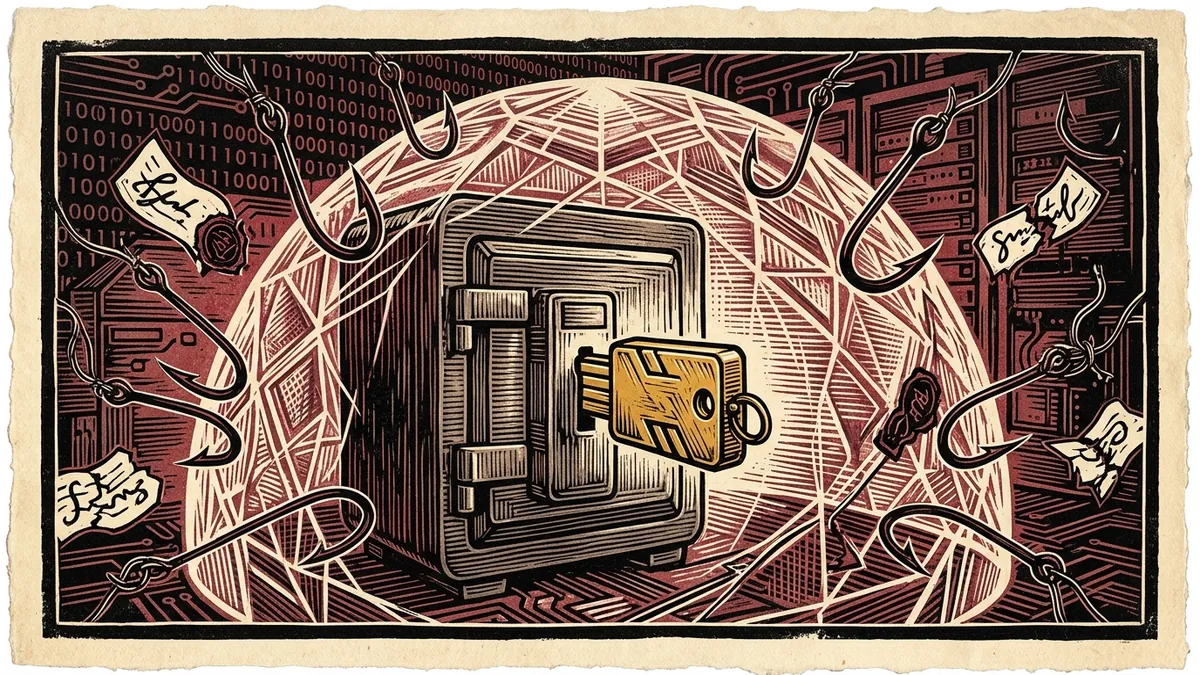
For over a decade, digital security awareness training offered reporters a simplistic formula: create long passwords, look out for spelling errors in incoming emails, and turn on two-factor authentication (2FA). Today, that conventional wisdom is not only obsolete—it creates a dangerous illusion of security.
State-sponsored advanced persistent threat (APT) groups and commercial mercenary spyware brokers no longer waste resources attempting to brute-force 20-character passwords. Instead, they deploy automated Adversary-in-the-Middle (AitM) reverse proxy engines capable of intercepting one-time authenticator codes and hijacking active session cookies in real time.
As documented in our foundational Digital Security Blueprint for Journalists, defending confidential newsroom accounts against sophisticated spear-phishing requires eliminating shared secrets entirely. This technical briefing details why legacy multi-factor methods fail, how the FIDO2 / WebAuthn standard functions, and how to deploy physical hardware tokens for high-risk investigative desks.
1. The Anatomy of Modern Phishing: The Death of SMS and TOTP
To understand why hardware tokens are mandatory, an investigator must understand how modern AitM phishing proxies operate:
                            THE REVERSE-PROXY PHISHING ATTACK

    Target Journalist           Phishing Proxy (e.g., Evilginx)          Authentic Service (Proton / Google)
    ┌────────────────┐            ┌────────────────────────┐            ┌──────────────────────────────────┐
    │ Types Password │ ─────────▶ │ Intercepts Password    │ ─────────▶ │ Verifies Password                │
    │ Types TOTP Code│ ─────────▶ │ Intercepts 6-digit Code│ ─────────▶ │ Verifies TOTP Code               │
    │                │            │                        │ ◀───────── │ Issues Authenticated Session Cookie
    │                │ ◀───────── │ Relays Session to User │            │ (Active Login Token)             │
    └────────────────┘            └────────────────────────┘            └──────────────────────────────────┘
                                              │
                                              ▼ (Attacker clones Cookie)
                                   Account Compromised Indefinitely
Why SMS 2FA Fails:
- SIM Swapping: Adversaries bribe or social-engineer telecommunications customer service representatives to transfer your phone number to an attacker-controlled SIM card, instantly intercepting all SMS verification codes.
- SS7 Signaling Exploitation: Intelligence services and commercial surveillance firms exploit the global SS7 (Signaling System No. 7) telecommunications routing protocol to silently intercept SMS text messages in transit without touching the target device.
Why Authenticator Apps (TOTP) Fail:
Time-based One-Time Passwords (TOTP)—the 6-digit codes generated by Google Authenticator or 1Password—are shared secrets. When you type those six digits into an AitM phishing landing page, the proxy server relays them to Google or Proton within milliseconds, intercepts the resulting authenticated session cookie (SID, SSID), and injects it into the attacker’s browser. The attacker is inside your account, completely bypassing your 2FA.
2. FIDO2 and WebAuthn: The Cryptographic Antidote
The international cybersecurity community resolved this vulnerability through the FIDO2 / WebAuthn open standard. Unlike passwords or 6-digit codes, physical hardware tokens (such as the YubiKey 5 Series or open-source SoloKeys) use asymmetric public-key cryptography.
                    HOW HARDWARE CRYPTOGRAPHIC ORIGIN BINDING WORKS

    Phishing Scenario:
    1. Journalist clicks link to fake domain: "https://proton-accounts-verify.com"
    2. Browser asks YubiKey to sign authentication challenge for: "proton-accounts-verify.com"
    3. YubiKey checks internal secure enclave for credentials registered to that domain.
    4. YubiKey recognizes credentials belong strictly to "https://account.proton.me".
    5. Token REFUSES to sign the cryptographic challenge.

    Result: Attack fails 100% of the time, even if user entered their password.
The Mechanism of Origin Binding:
- When you register a hardware key with an account, your token generates a unique public/private keypair inside an air-gapped, tamper-resistant secure element chip. The private key never leaves the physical hardware.
- When you log in, your web browser transmits a cryptographic challenge to your physical key, along with the Origin URL currently displayed in your browser address bar.
- The hardware key signs the challenge using the private key associated with that specific domain.
- The Security Guarantee: A hardware key will only sign a challenge if the origin URL matches the legitimate service. Even if an investigator clicks an AitM phishing proxy that mirrors Google with 100% visual fidelity, the browser transmits the counterfeit domain name to the key. The key detects the domain mismatch and refuses to authenticate.
3. The Hardware Security Key Standard: Deployment Protocol
For independent investigative journalists, newsroom editors, and human rights monitors, deploying hardware keys requires following the Primary + Backup Protocol.
┌────────────────────────────────────────────────────────────────────────┐
│                   THE TWO-KEY DEPLOYMENT PROTOCOL                      │
├──────────────────────────────────┬─────────────────────────────────────┤
│ KEY 1: THE OPERATIONAL KEY       │ KEY 2: THE RECOVERY VAULT KEY       │
├──────────────────────────────────┼─────────────────────────────────────┤
│ Model: YubiKey 5 NFC / 5C NFC    │ Model: YubiKey 5 NFC / 5C NFC       │
│ Kept: On everyday physical ring  │ Kept: In fireproof home/office safe │
│ Usage: Daily account logins      │ Usage: Emergency recovery backup    │
└──────────────────────────────────┴─────────────────────────────────────┘
Golden Rules of Newsroom Hardware Deployment:
- Always Register Two Keys Simultaneously: If you lose your primary hardware key while reporting in the field, having a secondary key securely registered prevents catastrophic account lockout.
- Purge SMS as a Fallback Method: Many platforms (including Google and Apple) default to allowing SMS fallback if a security key is not present. You must explicitly navigate into account settings and delete phone number verification fallbacks; otherwise, an attacker can simply click “Try another way” and exploit SMS vulnerabilities.
- Enroll in Google Advanced Protection: If your organization relies on Google Workspace, enforce enrollment in the Advanced Protection Program. This permanently disables all non-hardware authentication methods and blocks unauthorized third-party apps from accessing your Drive and Gmail data.
Multi-Factor Security Comparison Matrix
| Authentication Method | Phishing Resistance | SIM-Swap Immune | AitM Reverse Proxy Immune | Usability |
|---|---|---|---|---|
| SMS Verification | ❌ None | ❌ Vulnerable | ❌ Vulnerable | High (Everywhere) |
| Email Magic Links | ❌ None | ⚠️ Partial | ❌ Vulnerable | Medium |
| Authenticator Apps (TOTP) | ⚠️ Basic | ✅ Immune | ❌ Vulnerable | High |
| FIDO2 Hardware Key (YubiKey) | ✅ Cryptographic | ✅ Immune | ✅ 100% Immune | High (Tap / Touch) |
Conclusion: Hardware as an Evidentiary Shield
In an environment where state adversaries possess automated scanning infrastructure and commercial zero-day exploits, software-only defenses are no longer sufficient. Physical hardware security keys convert authentication from a human behavioral challenge into an inviolable mathematical proof.
Combined with audited no-logs network routing and onion-routed dead drops, hardware keys provide the hardened bedrock upon which fearless independent journalism survives.
For private, zero-upload inspection of local evidence files, launch our client-side Digital Media Verification Navigator.
How to Deploy FIDO2 Hardware Security Keys for Newsroom Defense
Implementation guide for establishing phishing-resistant hardware token authentication across investigative teams.
- Procure Dual-Protocol FIDO2 / WebAuthn Keys: Select security keys supporting FIDO2/WebAuthn with NFC and USB interfaces (such as YubiKey 5 Series).
- Register Primary and Backup Keys: Always register at least two hardware keys simultaneously per account to prevent lockout if a key is misplaced.
- Disable Fallback SMS and Email OTP: Remove phone numbers and SMS authentication from account recovery options to eliminate SIM-swap vulnerabilities.
- Enroll in Advanced Protection Programs: Activate Google Advanced Protection and Apple Security Key features for sensitive newsroom accounts.
Frequently Asked Verification Questions
Key technical principles, error traps, and diagnostic standards for investigative researchers.
Why is SMS two-factor authentication vulnerable to targeted attacks?
Can a phishing website steal credentials protected by a FIDO2 hardware key?
Verify File Checksums & Audit Metadata Traces
Generate cryptographic SHA-256 integrity digests and inspect hidden container metadata to protect whistleblowers and ensure secure evidentiary chain-of-custody.
About the Contributor
The Dawat Digital Rights & Security Desk evaluates identity security, cryptographic hardware tokens, and enterprise newsroom defense postures.
Related Research & Dispatches
How to Install Tails OS on a USB Flash Drive: The Complete Setup & Persistent Storage Guide
A step-by-step technical walkthrough for creating a cryptographic Amnesic Incognito Live System (Tails) USB dr...
How to Tell if Your Phone is Tapped: The Technical Guide to Detecting Spyware, IMSI-Catchers, and Surveillance
A forensic diagnostic manual for uncovering commercial stalkerware, state-grade spyware like Pegasus, rogue ce...
YubiKey vs Google Titan: The Technical Hardware Security Key Comparison
An architectural and cryptographic comparison of YubiKey 5 Series vs Google Titan Security Keys for FIDO2 pass...