Reverse Video Search: How to Extract Keyframes and Authenticate Conflict Footage
A forensic engineering guide for deconstructing eyewitness video, slicing I-frame keyframes via FFmpeg and browser memory, and executing multi-engine reverse visual searches to expose recycled and staged propaganda.
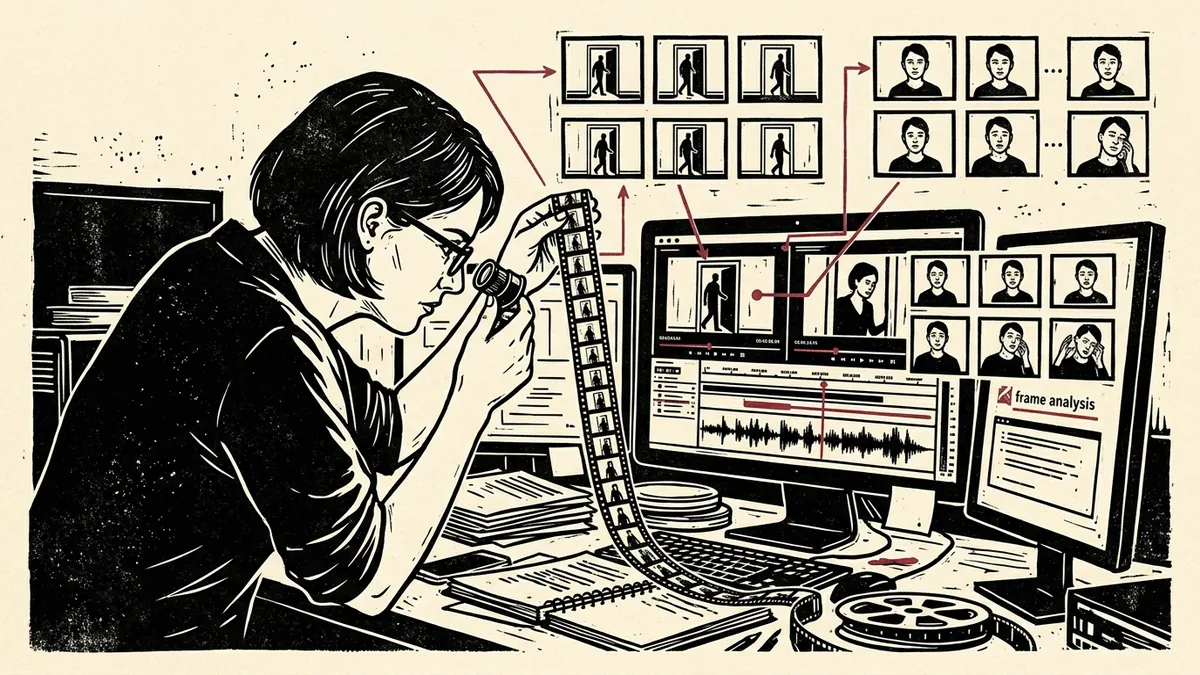
During breaking news events, international crises, and armed conflicts, social media platforms are flooded with sensational video clips claiming to document real-time atrocities, military strikes, or historic civilian uprisings.
In the vast majority of viral disinformation campaigns, bad actors do not generate synthetic deepfakes from scratch; instead, they engage in recycled media fraud: taking authentic, visceral footage from a completely different war or a historic explosion five years prior, re-captioning it with contemporary breaking headlines, and broadcasting it across Telegram and X to manipulate global public opinion.
Investigative researchers frequently hit an immediate barrier: search engines cannot directly ingest video files. You cannot simply upload an MP4 or MOV file into Google or TinEye and ask where it came from.
To execute a reverse video search, an investigator must deconstruct the video stream into discrete, high-resolution candidate still images (keyframes) and dispatch those frames across specialized computer vision algorithms.
Slice Video Keyframes Privately
Extract uncompressed 30fps frames directly in browser memory and dispatch one-click reverse visual queries across Google Lens, TinEye, and Yandex.
Launch Video Keyframe Verifier1. Video Compression Architecture: Why Random Screenshots Fail
When casual observers attempt to verify a video, they typically pause the video on a mobile screen and take a screenshot. This haphazard approach almost always fails in reverse image search engines for two technical reasons:
- Motion Blur & Inter-frame Compression: Modern video codecs (H.264, H.265, AV1) save bandwidth by saving only the changes between frames. A video is divided into three frame types:
- I-Frames (Intra-coded Frames): Full, complete, uncompressed standalone images containing the entire visual scene.
- P-Frames (Predicted Frames): Contain only vector changes from the previous frame.
- B-Frames (Bi-directional Frames): Interpolate differences between past and future frames.
- If you pause a video during an explosion or fast camera pan, you are capturing a P-frame or B-frame heavily degraded by motion blur and compression artifacts, rendering the visual hash unrecognizable to search engine scrapers.
                  THE CODEC FRAME COMPRESSION PIPELINE
                                   │
      ┌────────────────────────────┼────────────────────────────┐
      ▼                            ▼                            ▼
  [I-FRAME]                    [P-FRAME]                    [B-FRAME]
  Complete Standalone Image    Only Vectors & Deltas        Interpolated Blur
  ★ BEST FOR REVERSE SEARCH    ✘ High Compression Noise     ✘ Low Match Probability
2. Command-Line Extraction via FFmpeg
For maximum forensic precision, investigators utilize FFmpeg to extract pure I-frames from raw video files.
1. Extract All Native I-Frames
This command instructs FFmpeg to scan the video container and export only true intra-coded keyframes as uncompressed PNG images:
ffmpeg -i conflict_video.mp4 -vf "select=eq(pict_type\,I)" -vsync vfr keyframe_%03d.png
-vf "select=eq(pict_type\,I)": Evaluates picture type and passes only complete I-frames.-vsync vfr: Variable frame rate output, preventing duplicate blank frames.keyframe_%03d.png: Outputs sequentially numbered high-resolution images.
2. Extract One Frame Every Second (Chronological Sampling)
When analyzing a long surveillance tape or drone feed where I-frames are spaced too far apart:
ffmpeg -i conflict_video.mp4 -vf "fps=1" frame_%04d.jpg
3. Extract the Establishing Scene (First Non-Black Frame)
Viral videos frequently begin with a faded black transition. To grab the first real visual frame:
ffmpeg -ss 00:00:01 -i conflict_video.mp4 -vframes 1 initial_scene.png
3. The 3 Candidate Frame Selection Rules
Once you have extracted 20–50 keyframes from the footage, select 3 to 5 candidate images for reverse searching based on the following diagnostic criteria:
┌────────────────────────────────────────────────────────────────────────┐
│                   CANDIDATE KEYFRAME SELECTION RULES                   │
├────────────────────┬────────────────────┬──────────────────────────────┤
│ 1. PERMANENT       │ 2. CROPPED CLEAN   │ 3. THE "BEFORE" SHOT         │
│ LANDMARKS          │ REGIONS            │ Capture the scene 0.5s       │
│ Select frames with │ Avoid center logos,│ BEFORE the dramatic event;   │
│ distinct hilltops, │ subtitles, or news │ historic stock photos rarely │
│ church spires, or  │ chyrons; crop to   │ feature the explosion itself.│
│ unique utility poles. clean background. │                              │
└────────────────────┴────────────────────┴──────────────────────────────┘
- Prioritize Permanent Architecture Over Smoke: Explosions, smoke plumes, and fire look nearly identical across conflicts and confuse visual algorithms. Focus on background apartment facades, distinct roadway intersections, bridges, and mountain horizons.
- Crop Out Disinformation Watermarks: Channels frequently superimpose bold Russian, Arabic, or English text banners over the footage. Crop tightly to an unwatermarked 200x200 pixel sub-region before querying.
- The “Before” Frame Advantage: When a building is struck by a missile, investigators instinctively search the fireball. However, the original archival footage may have been recorded years earlier as a peaceful city documentary. Searching the frame one second prior to the blast surfaces the original peaceful streetscape in travel vlogs and stock photo libraries.
4. Multi-Engine Reverse Search Strategic Matrix
Different search engines index completely different sectors of the global web. No single search engine is sufficient for video verification:
| Search Engine | Primary Forensic Strength | Recommended Investigative Use Case |
|---|---|---|
| TinEye | Chronological Sorting (“Oldest First”) | Uncovering the earliest date an image appeared online; ideal for proving footage is recycled from 2018. |
| Google Lens | Entity Recognition & Landmarks | Identifying specific consumer products, military uniform patches, vehicle makes/models, and famous monuments. |
| Yandex Visual Search | Facial Geometry & Eastern European/Eurasian Web | Unmatched accuracy for tracing footage originating in Ukraine, Russia, Central Asia, and the Middle East. |
| Bing Visual Search | E-Commerce & Architectural Matching | Strong European and North American municipal database coverage; excellent alternative when Google yields no hits. |
5. Case Study: Debunking Recycled Warzone Media in 3 Minutes
Consider a breaking tweet claiming: “Massive air raid on coastal radar station reported 10 minutes ago!” accompanied by a 15-second chaotic night video.
[VIRAL VIDEO MP4]
       │
       ▼
[STEP 1: BROWSER EXTRACTION] ──► Deconstruct into 18 candidate keyframes via HTML5 Canvas.
       │
       ▼
[STEP 2: LANDMARK CROPPING]  ──► Isolate silhouette of distinctive twin radio towers in background.
       │
       ▼
[STEP 3: TINEYE DISPATCH]    ──► Upload cropped keyframe and sort results by "Oldest".
       │
       ▼
[STEP 4: EVIDENCE MATCH]     ──► Match discovered on Ukrainian municipal news outlet dated March 2022.
       │
       ▼
[VERDICT]                    ──► Disproven: Recycled footage falsely presented as breaking news.
By mastering frame deconstruction, landmark isolation, and chronological sorting, investigative researchers cut through viral war fog and establish verifiable evidentiary ground truth.
How to Reverse Search Video Footage
Step-by-step keyframe extraction and reverse visual search workflow for authenticating eyewitness conflict media.
- Extract Native I-Frames via FFmpeg: Run 'ffmpeg -i video.mp4 -vf select=eq(pict_type,I) -vsync vfr frame_%03d.png' to export uncompressed keyframes.
- Isolate Permanent Architectural Background Landmarks: Select frames with distant mountain ridgelines, church spires, or unique utility poles.
- Crop Out Chyrons, Subtitles, and Watermarks: Crop tightly to an unwatermarked 200x200 pixel sub-region to prevent search engine confusion.
- Dispatch Frames to TinEye Sorted by Oldest: Upload cropped keyframes to TinEye and sort chronologically by 'Oldest' to detect historical footage.
- Cross-Check Russian and Eurasian Footage via Yandex: Query Yandex Visual Search for conflict footage originating in Eastern Europe or Central Asia.
Frequently Asked Verification Questions
Key technical principles, error traps, and diagnostic standards for investigative researchers.
Can you upload a video directly into Google reverse image search?
Why should you reverse search the frame immediately before an explosion?
Deconstruct Video at 30fps & Reverse Search Keyframes
Step through conflict videos frame-by-frame, isolate clean I-frames, and run multi-engine reverse visual search across Google, TinEye, and Yandex.
About the Contributor
The Dawat Forensic Research Desk specializes in open-source video verification, conflict zone media authentication, and digital forensics.
Related Research & Dispatches

How to Detect AI Voice Clones and Deepfake Audio: The Forensic Acoustic Guide
A step-by-step diagnostic workflow for uncovering synthetic voice generation, neural audio compression artifac...
How to Tell if an Image is AI-Generated: 7 Diagnostic Tests for Midjourney, DALL-E, and Flux
A forensic methodology for identifying synthetic images, detecting diffusion model artifacts, analyzing freque...

How to Strip EXIF Metadata from Photos on iOS, Android, macOS, and Linux: The OpSec Field Manual
A definitive operational guide for investigative reporters, whistleblowers, and human rights advocates to sani...